User Management
User Management
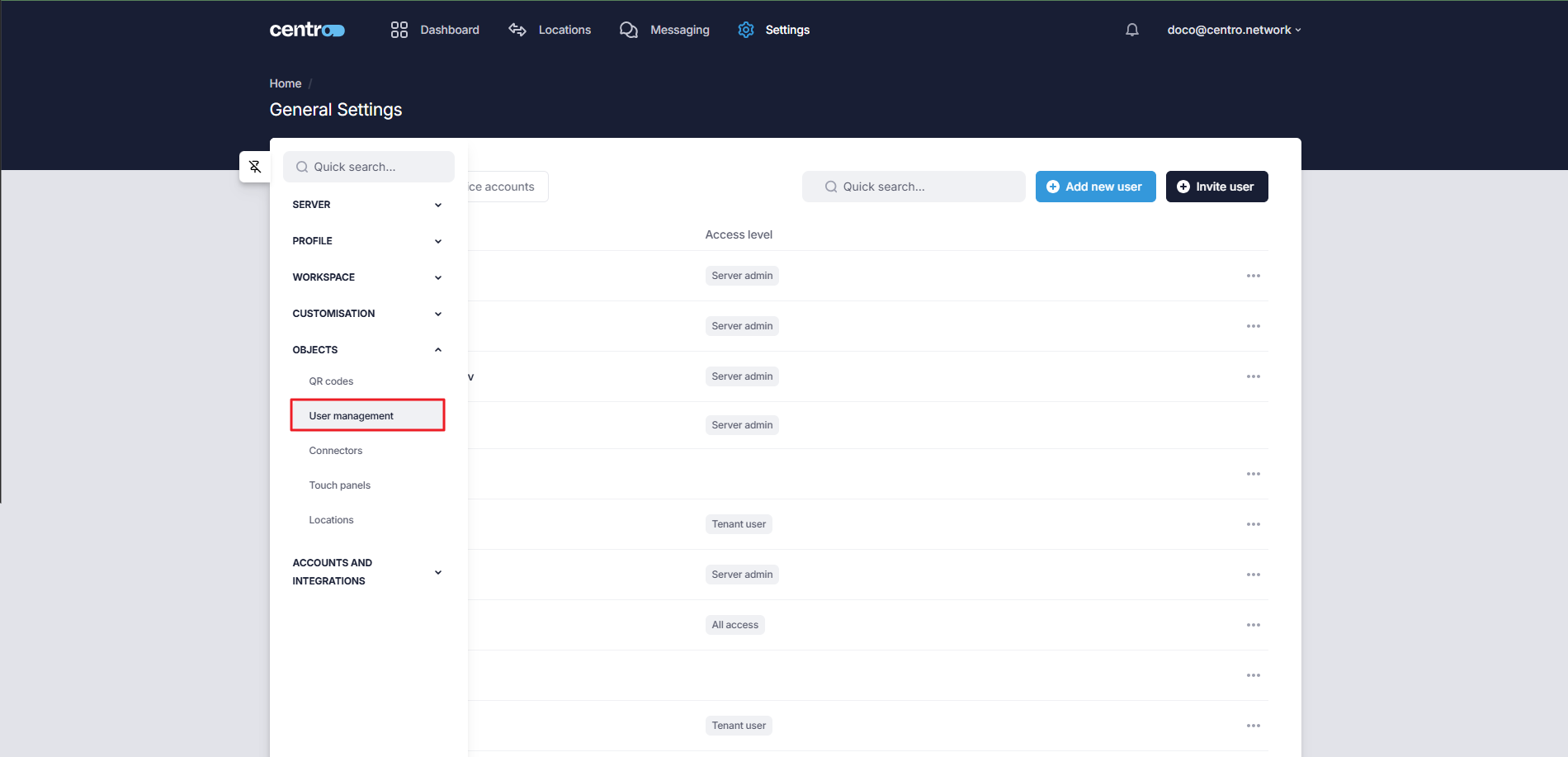
You can add, delete, or edit users via the User Management tab.
Add A New User
-
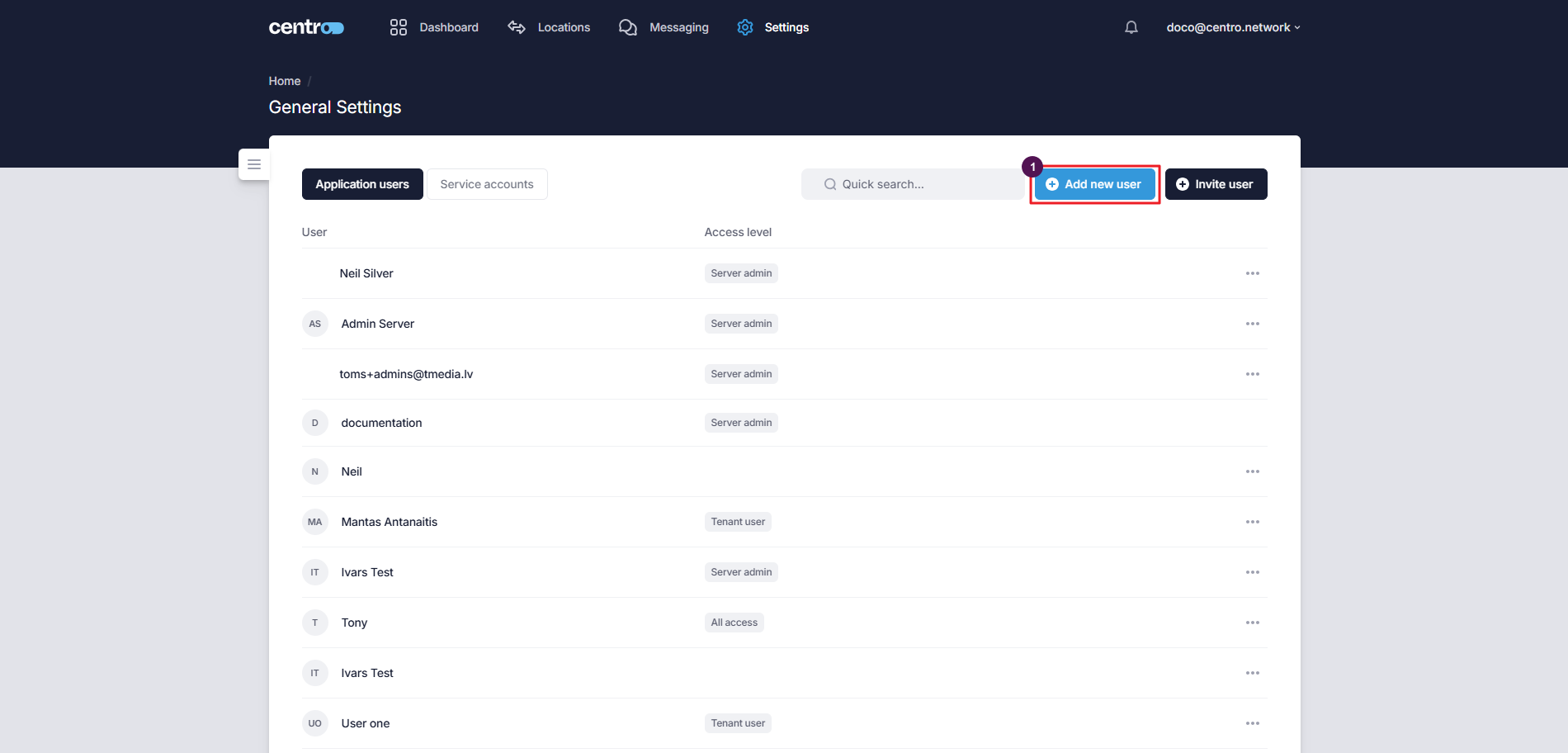
Click on the Add New User button.
-
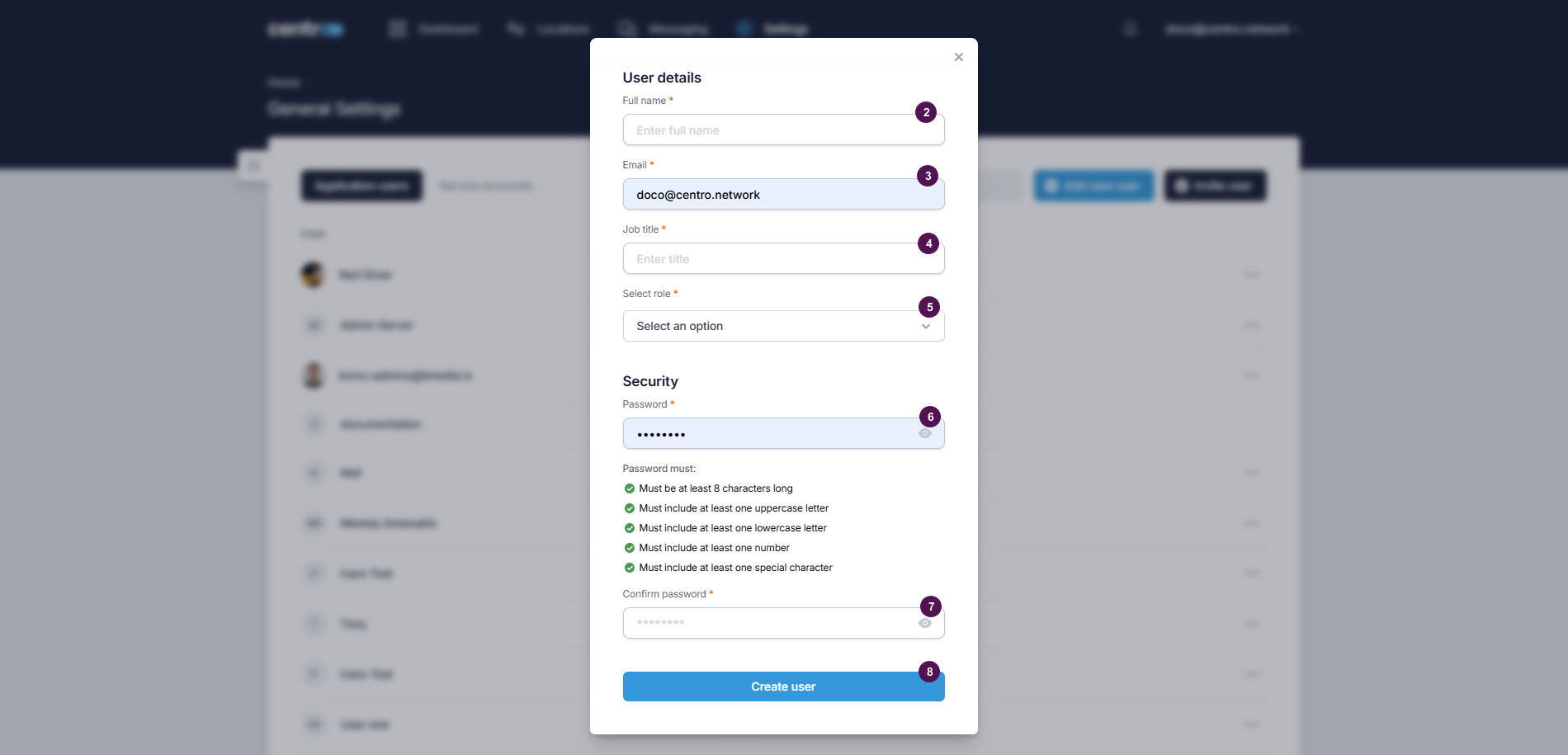
Enter the user's full name.
-
Enter the user's email.
-
Enter the job title.
-
Assign a role to the user.
-
Enter a password.
-
Confirm the password by re-entering it.
-
Click Create User.
Invite User
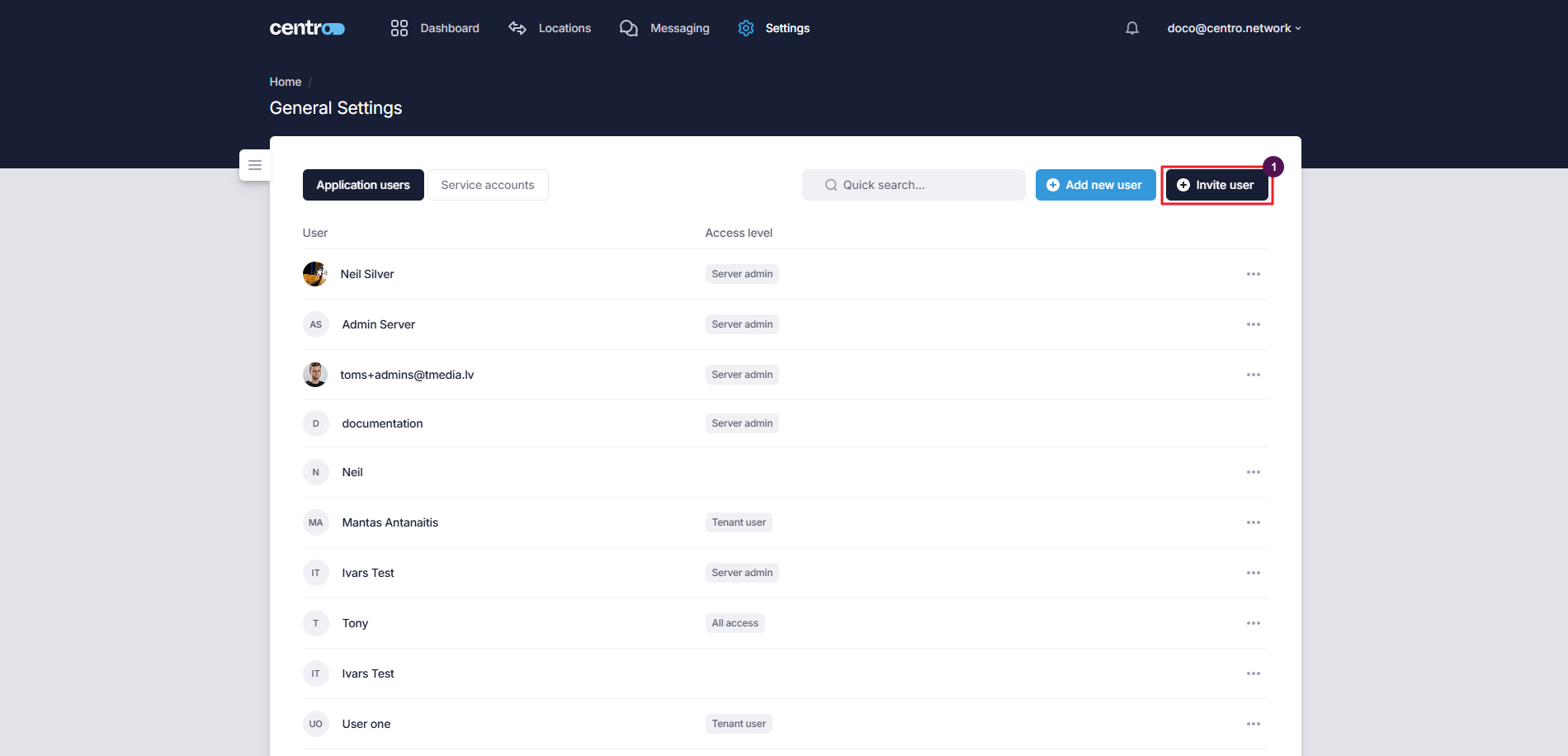
It is possible to invite an existing centro user to your tenant.
-
Click on the Invite User button.
-
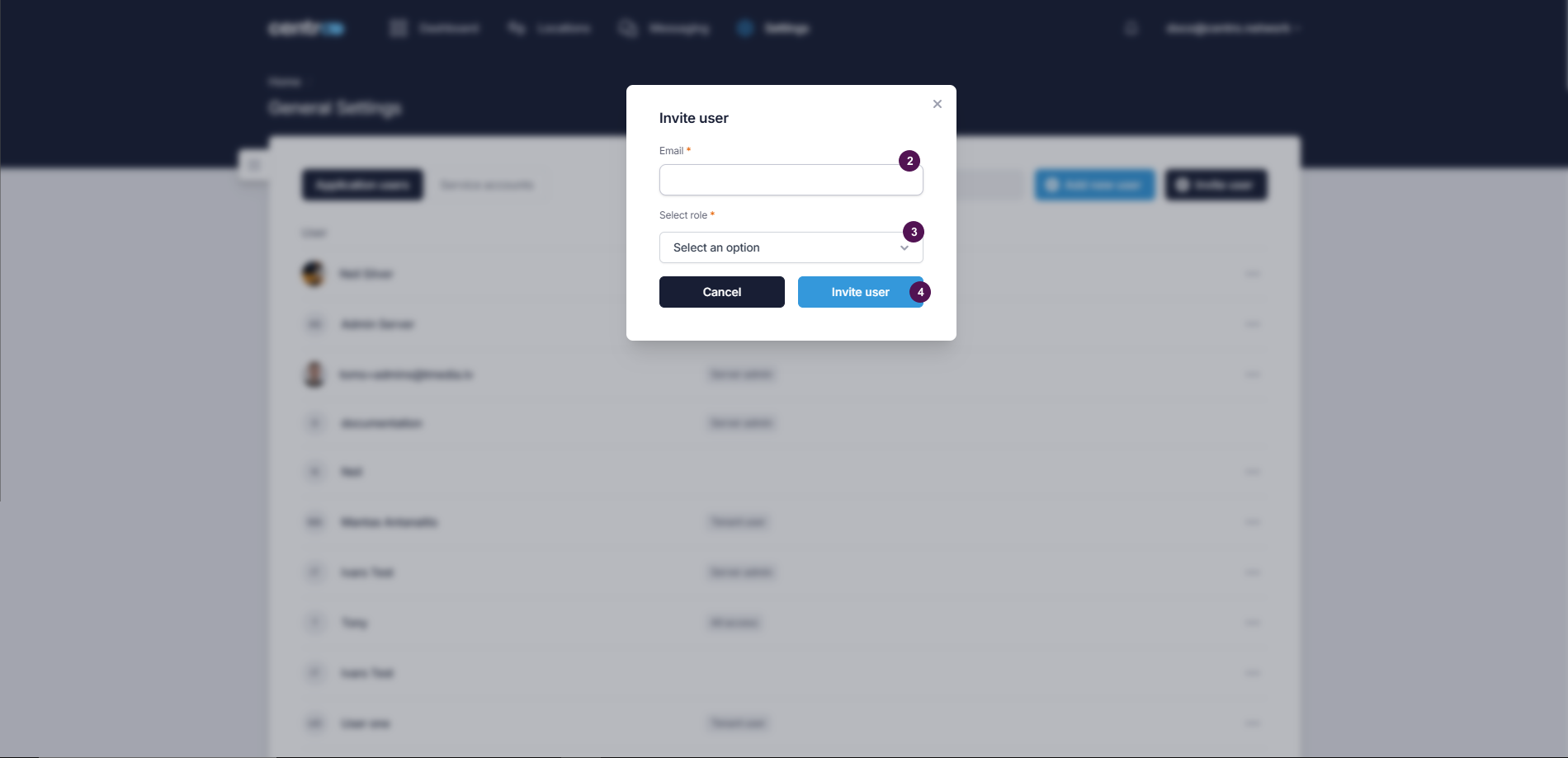
Enter the email.
-
Select a role.
-
Click Invite User.
Remove A User
-
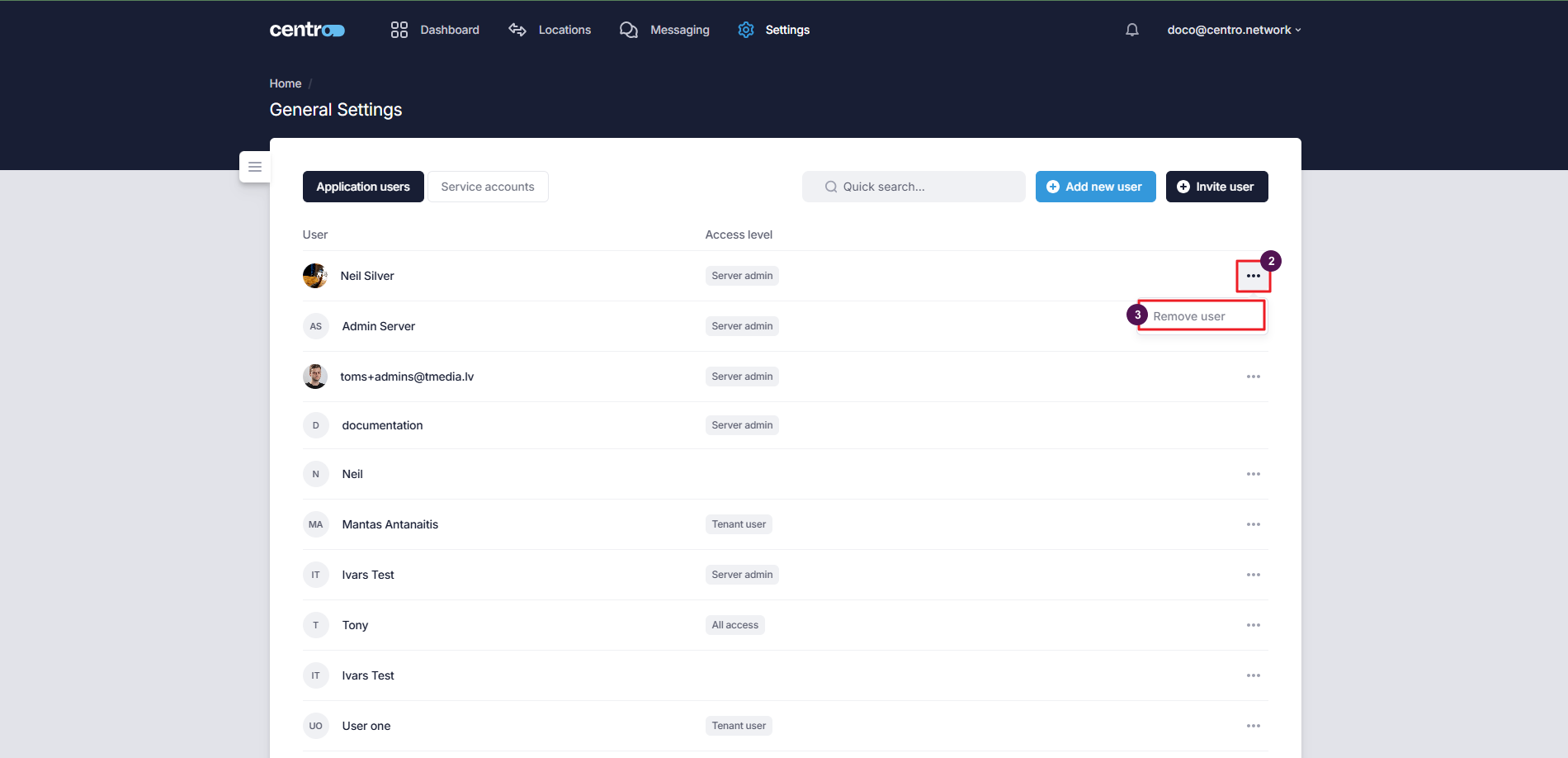
Click on the three-dots.
-
Select Remove User.