Media Library
Media Library
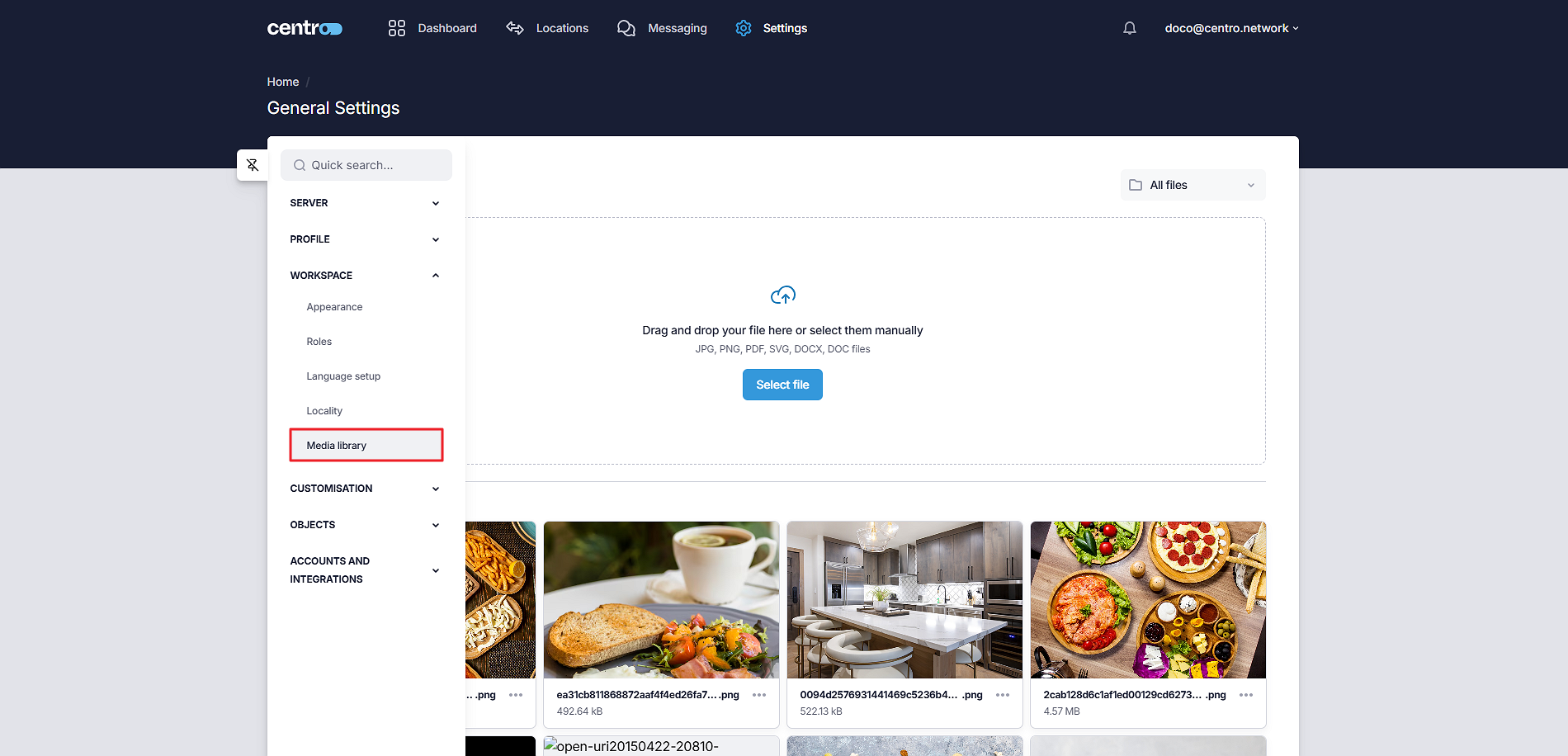
Under Media Library, you can upload images and documents which can be used in UI Layouts and Dashboards.
Upload New Files
-
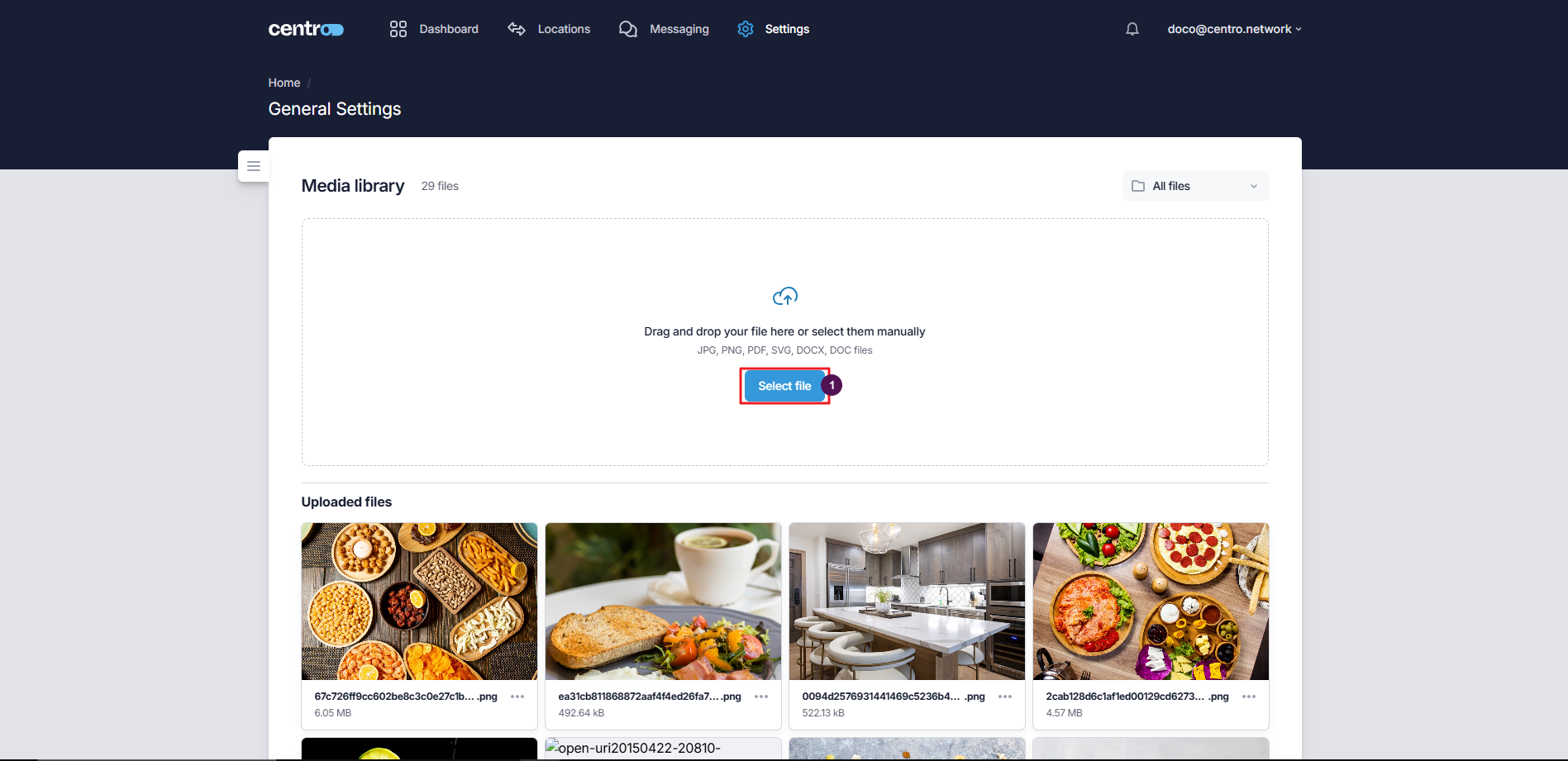
Click on the Select File button.
-
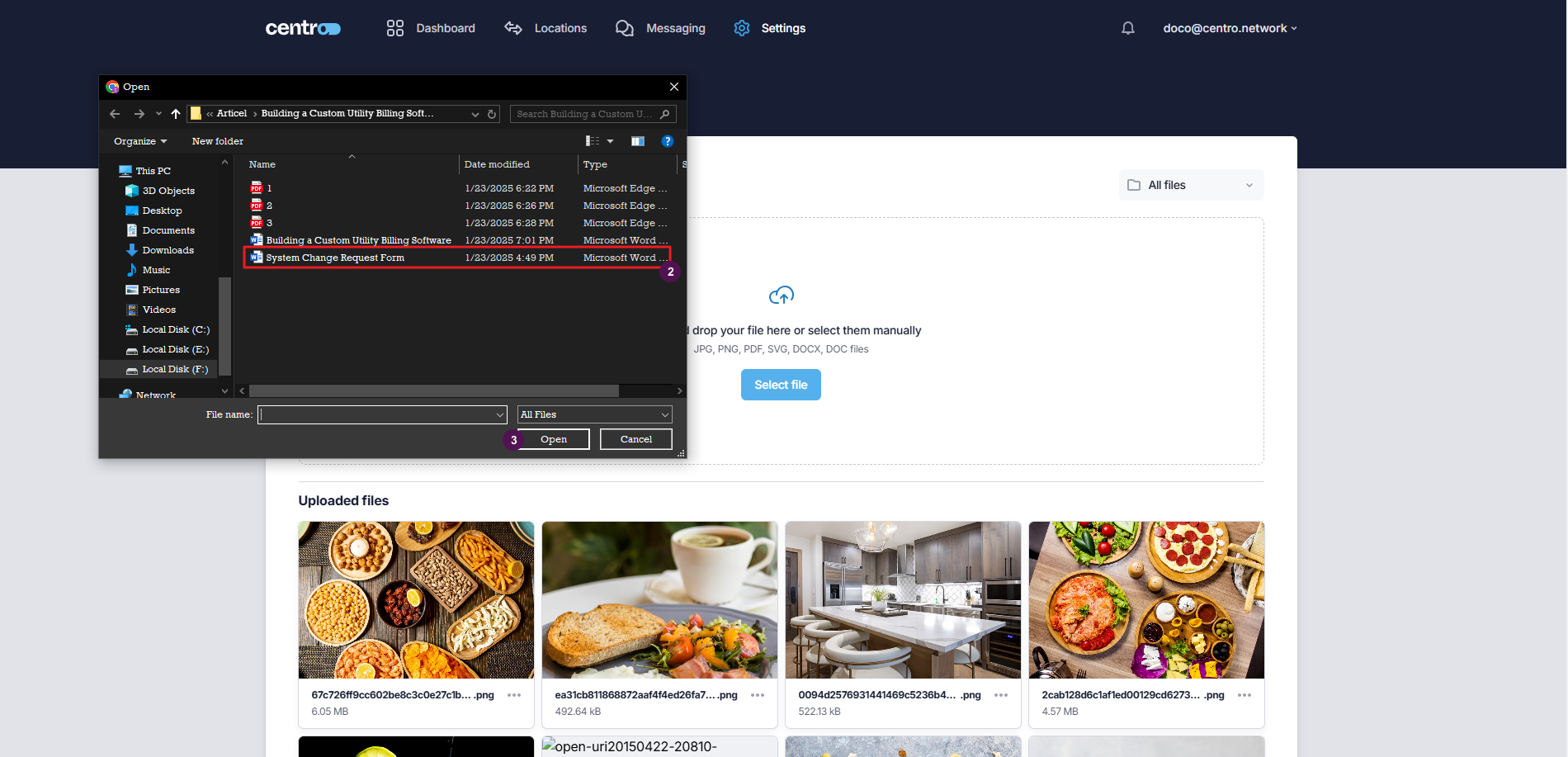
Browse the files on your computer.
-
Click Open.
Download And Delete An Existing Media
-
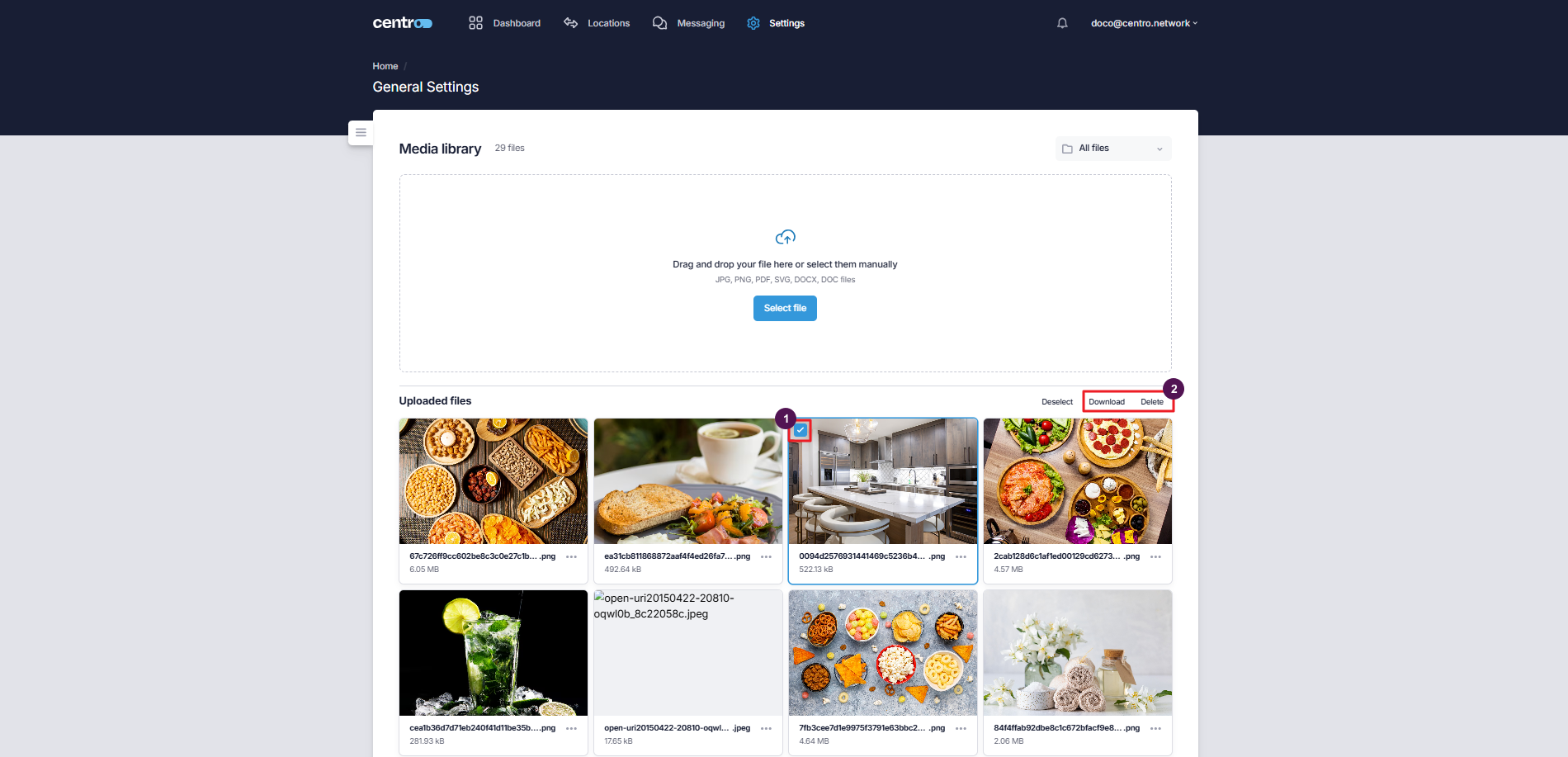
Select the media to download or delete.
-
Click on the Download or Delete button according to the action you want to perform.
Add New Folder
-
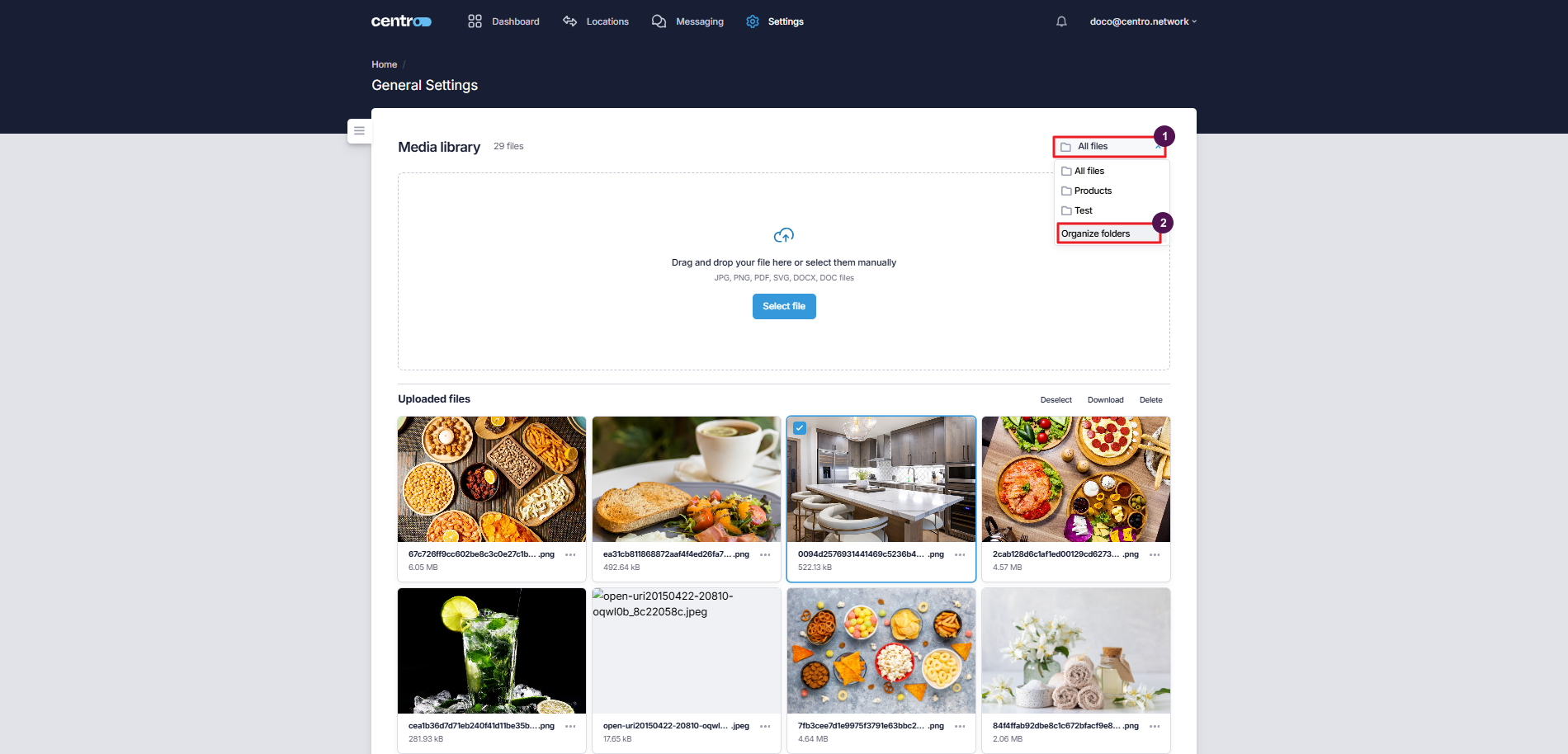
Click on the All Files dropdown.
-
Click on Organize Folders.
-
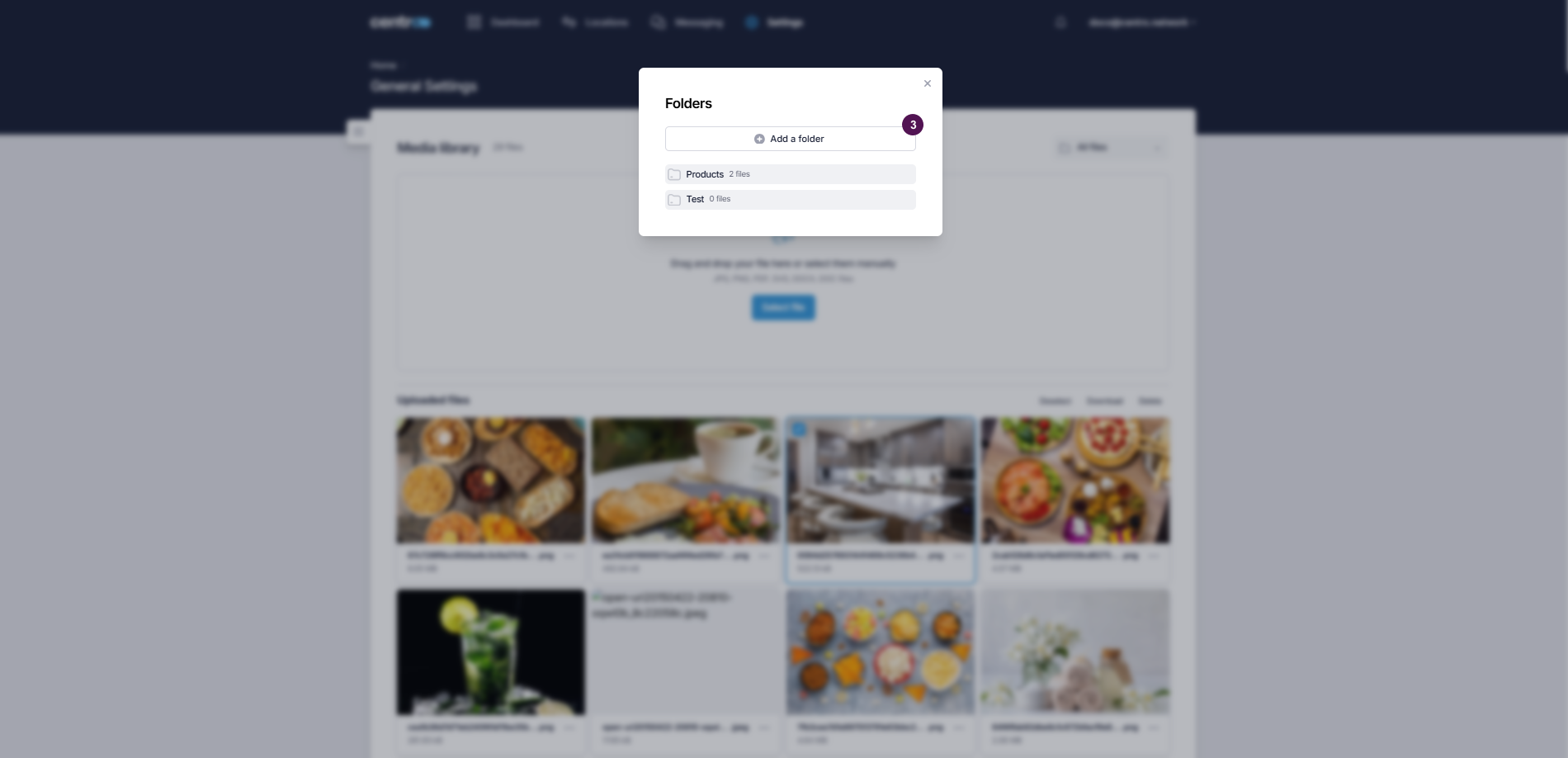
Click on Add a Folder.
-
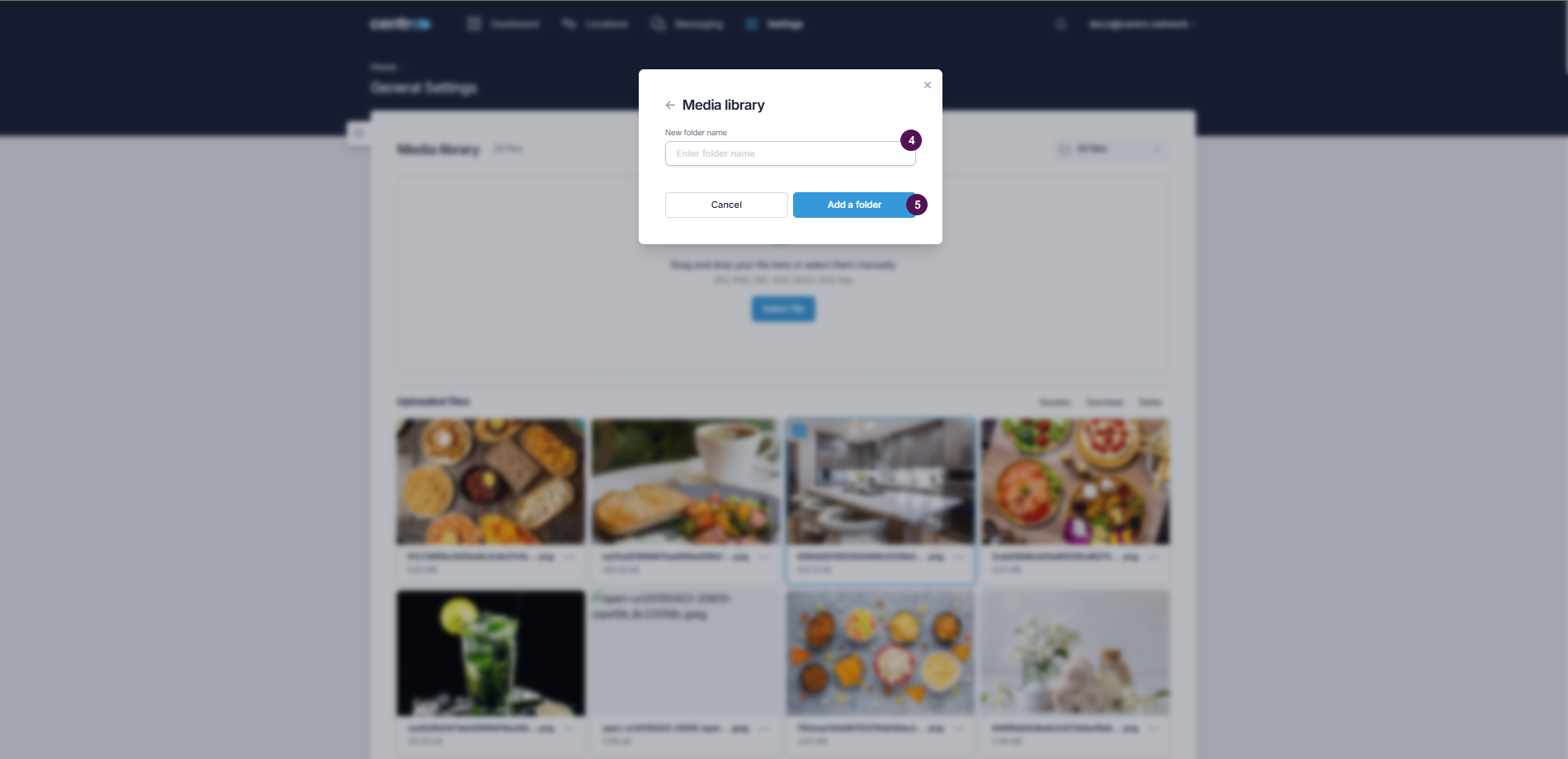
Enter the folder name.
-
Click Add a Folder.
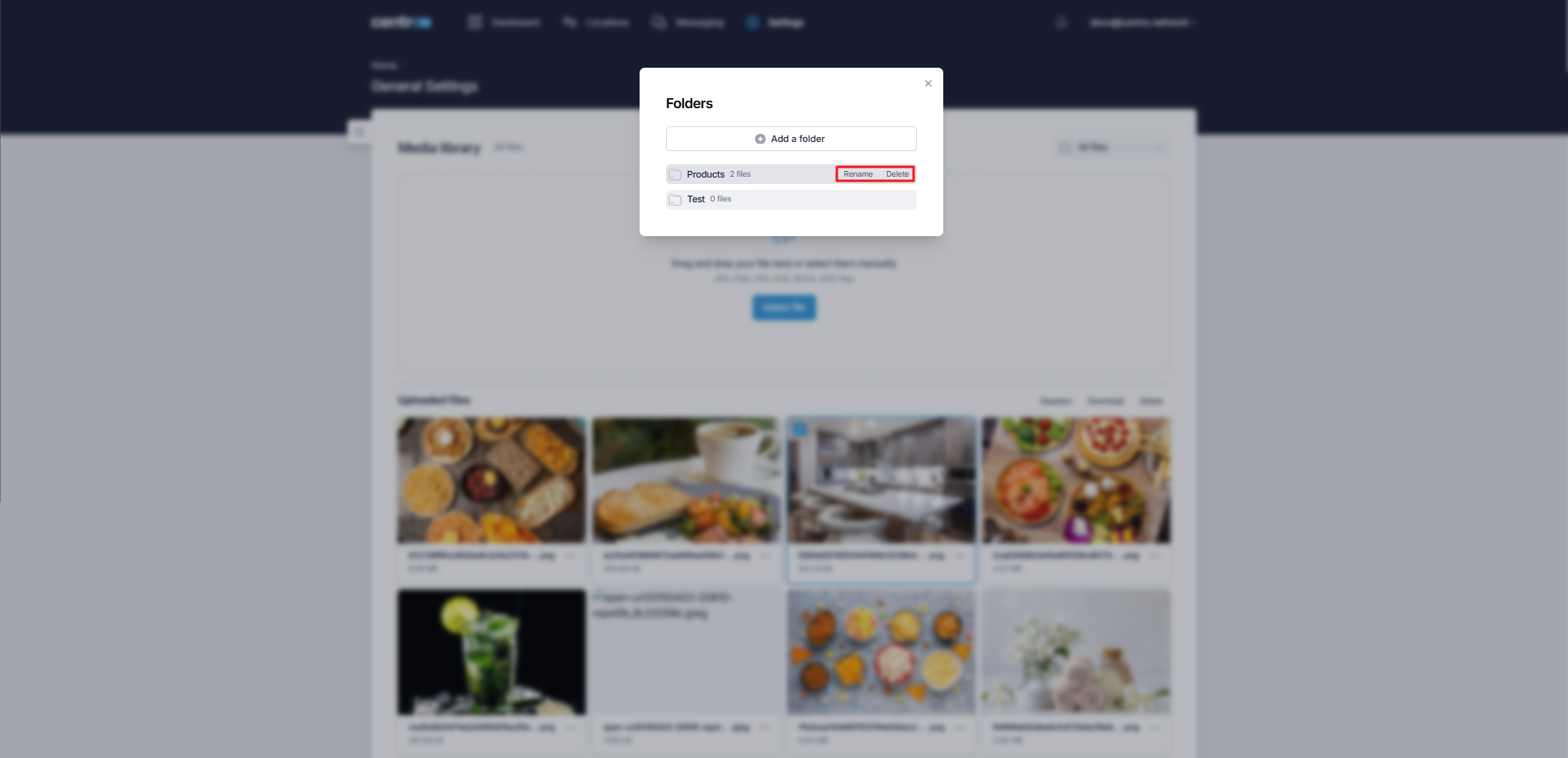
Note: You can delete or rename an existing folder by clicking on the corresponding option beside the folder name.