Send one command to many locations
A bulk command sends one command to many locations at once. This page marks every location on a floor Dirty, ready for housekeeping.
You need: to be signed in, with the locations on the site dashboard.
- On the site dashboard, select Group and tick the floor's group.
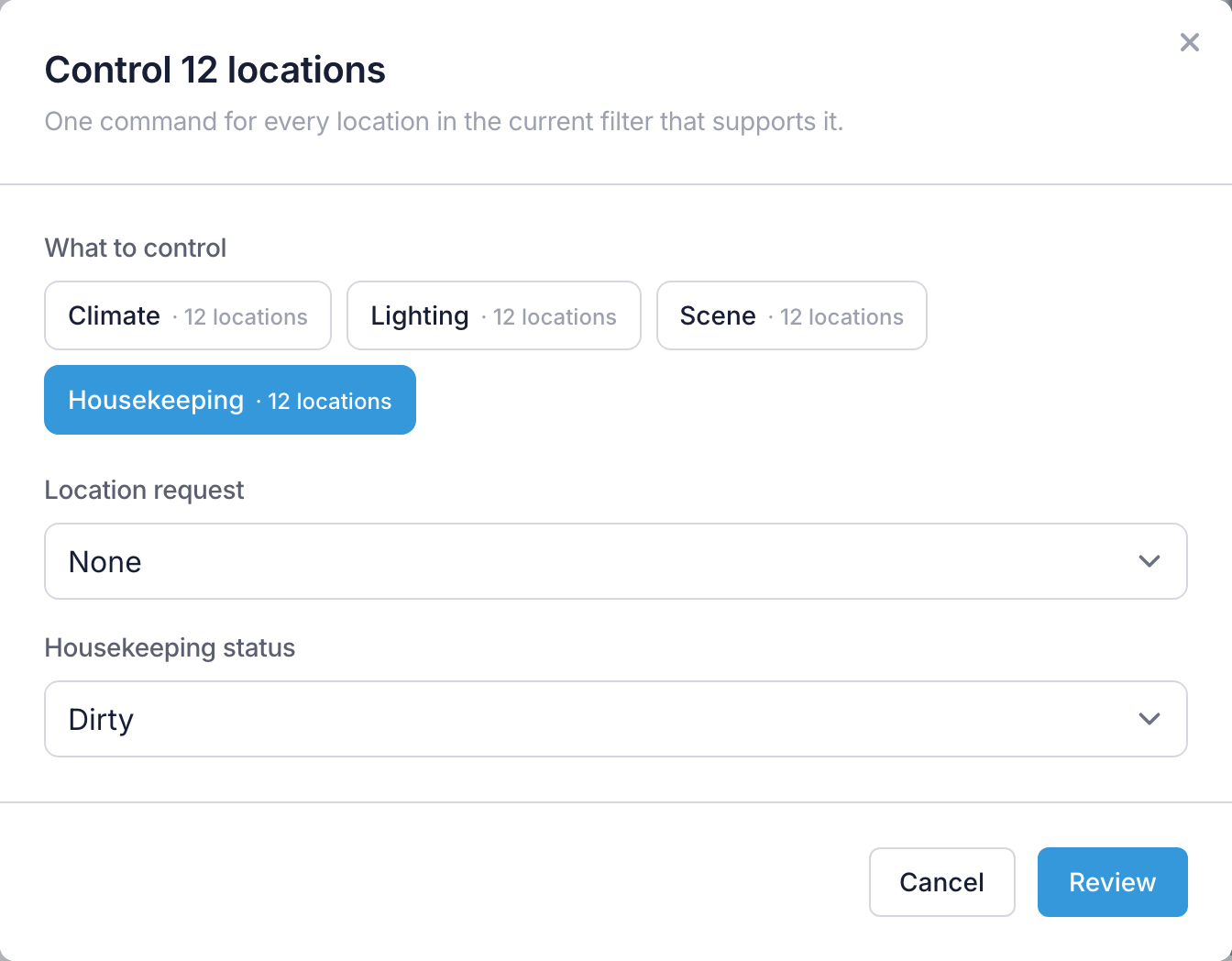
- Select Control these N locations. The button always says how many locations it will command.
- Under What to control, select Housekeeping.
- Set Housekeeping status to Dirty. If Location request offers Leave as it is, leave it there.
- Select Review.
- Check the number of locations, then select Send to N locations.
You should now see the window follow the command to every location, each one ending Confirmed or Done. When every location has finished, the summary says how many locations have the command, and how many of those a connection confirmed or the processor set itself. Select Done to close the window.
You don't have to wait: Close (the locations still get it) closes the window while locations are still confirming, and the commands carry on.
If Control these N locations isn't there, see If the button isn't there.
Next: Set up a schedule.
More detail: Bulk commands — ticking locations one by one, the other commands, sending a location request and what each status means.