Sign in for the first time
Open Centro System Manager for Crestron in a browser and sign in with a Crestron account from the processor.
You need: the processor's IP address, and a username and password that exist on the processor, with Administrator access. Centro System Manager for Crestron has no accounts of its own.
- Browse to
https://<processor-ip>:8443/, for examplehttps://192.168.1.50:8443/. - Your browser warns that the connection isn't private. That's expected: the processor protects the connection with a certificate it made itself. Carry on past the warning — in most browsers, Advanced, then proceed to the address.
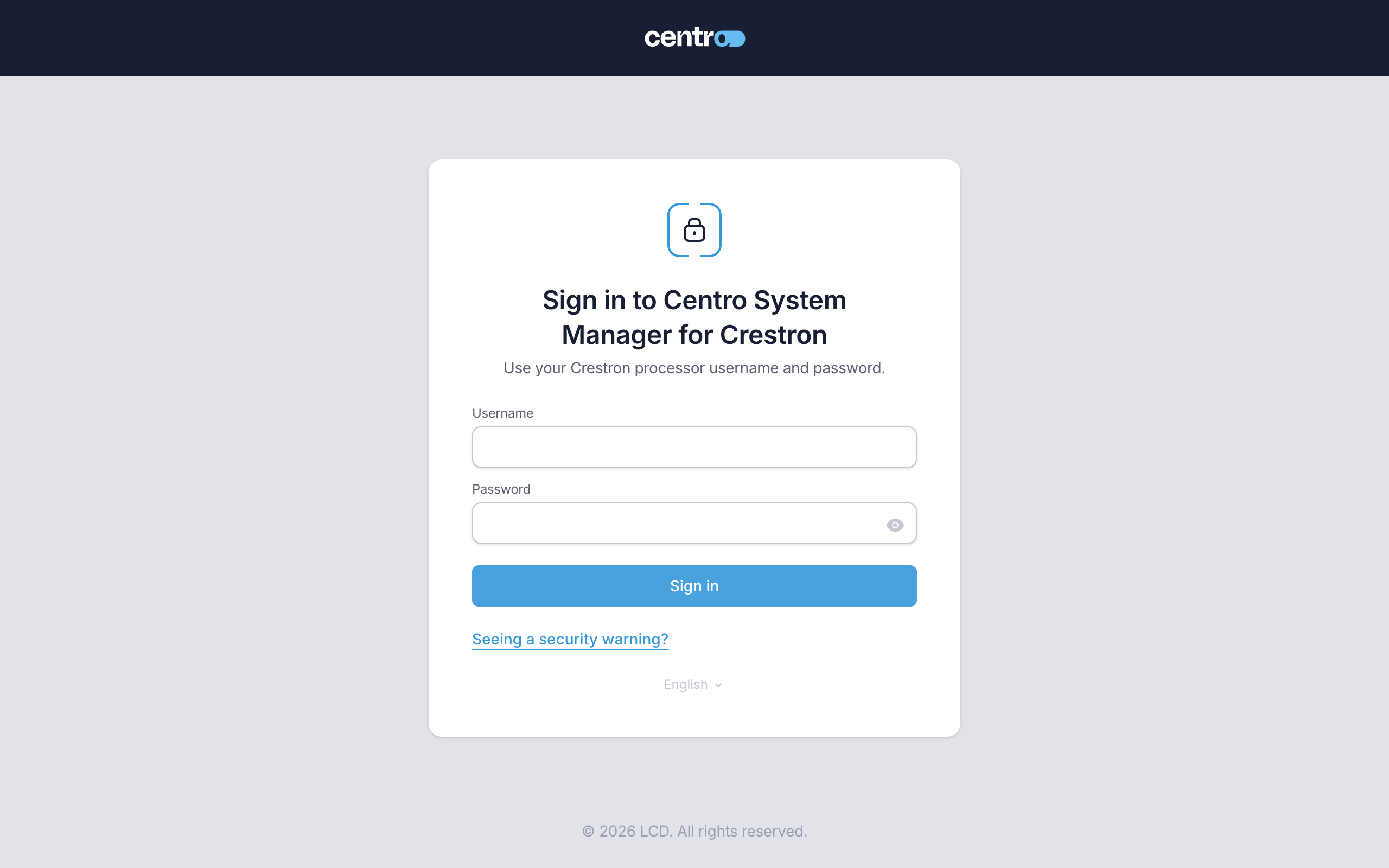
- Enter your Username and Password — your Crestron processor account.
- Select Sign in.
You should now see the setup wizard's first screen, This processor hasn't been set up yet.
If the sign-in is refused, see If the sign-in is refused. To make the warning go away for good, see Trust the processor's certificate.
Next: Run the setup wizard.
More detail: First sign-in.