Service accounts
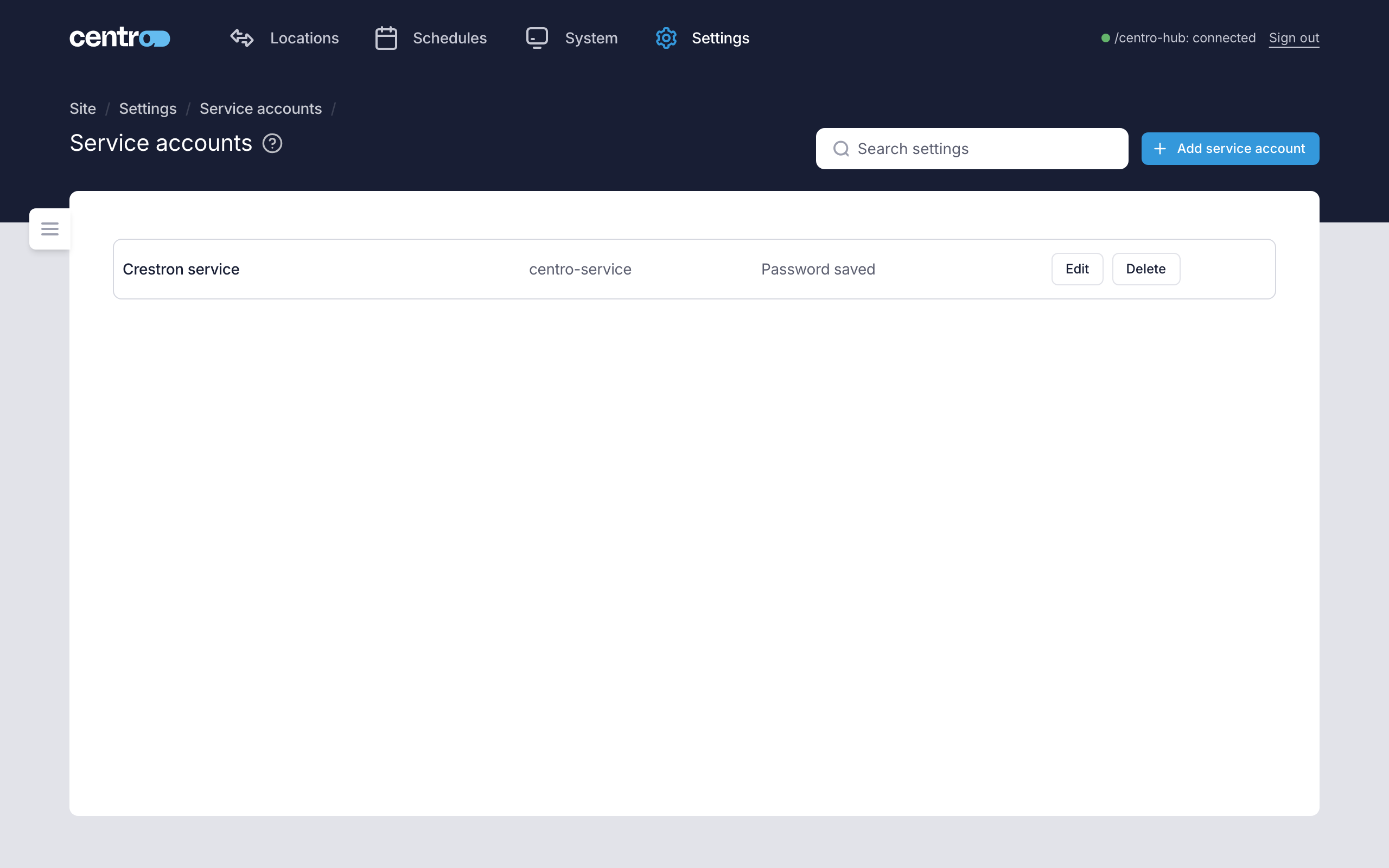
Settings → Access → Service accounts holds the usernames and passwords Centro System Manager for Crestron itself signs in to other systems with, such as the Crestron Home processors it installs the Centro driver on. People don't sign in with them.
A service account is for signing in to other systems. The other way round — another system signing in to this processor — uses an API key. See API keys.
Add or edit an account
Select Add service account, or Edit on a row.
| Field | What it's for |
|---|---|
| Name | Your own name for the account, such as "Crestron Home processors". |
| Username | The username on the other system. For a Crestron Home processor, a Crestron administrator's. |
| Password | The account's password. When editing, leave it blank to keep the saved password, and type a new one only to replace it. |
| Tags | Free labels of your own. |
Select Save in the bar at the foot of the page. You're asked to save or discard one change before starting another.
Each row shows Password saved or No password. The account chosen as the Crestron Home default is marked Crestron Home default.
Where an account is used
- Crestron Home processors. Choose the account used for every Crestron Home processor under Settings → Settings → General, in the Crestron Home section. See General. One account usually serves every processor. A processor can have its own instead, set on Discovered devices.
- Adopted processors and touch screens. With an account, Centro System Manager for Crestron signs in to read a device's model, firmware and other details. It only reads. See Discover devices.
- Manual devices. A Crestron processor or touch screen added by its IP address is signed in to once with the account you choose, to check it and read its details. A Crestron Home processor isn't signed in to. See Manual devices.
Delete an account
Delete removes the account and its password. Processors that used it only for themselves go back to the Crestron Home default account.
Things to know
- Passwords are stored encrypted on the processor and are never shown again. If you lose one, type a new one.
- A backup carries the passwords, protected by the backup's passphrase.
- A refused account isn't retried automatically, so a wrong password can't lock the account out of the device. After fixing the account, select Refresh on the device's row. See Connections.